



Best Payment Gateways for Small Budgets in 2026
Small Business Advice
If you're trying to keep payment costs down in 2026, your best pick depends on how you sell. For most small U.S. businesses, Stripe is the best fit for online sales, Square works best for online + in-person sales, PayPal can help when buyer trust matters most, and Authorize.net fits stores that already use a merchant account.
Payment fees often take 1.5% to 3.5% of revenue. On $500,000 in yearly card sales, even a small pricing gap can cost $3,000+ per year. So I’d look at more than the posted rate: chargeback fees, payout timing, monthly fees, ACH pricing, and hold risk all affect what you keep.
Here’s the short version:
Stripe: best for online-first sellers and larger invoices with ACH at 0.8% capped at $5
Square: best for stores, pop-ups, and service businesses that sell online and in person
PayPal: best when checkout trust can help conversion, but it has the highest fixed fee
Authorize.net: best for businesses with an existing merchant account and a need for recurring billing or invoicing
Quick Comparison
Gateway | Online Rate | Monthly Fee | Chargeback Fee | Best Fit |
|---|---|---|---|---|
Stripe | 2.9% + $0.30 | $0 | $15 | Online-first and B2B |
Square | 2.9% + $0.30 to 3.3% + $0.30 | $0 or $49/month | $0 | Hybrid online/in-person sellers |
PayPal | 3.49% + $0.49 | $0 | $20 | New brands and freelancers |
Authorize.net | 2.9% + $0.30 | $25/month | Varies / often $25 | Stores with a merchant account |
If I were choosing on a small budget, I’d start with sales channel first, then check total fees, then look at cash-flow risk from payout delays or fund holds.

Best Payment Gateways for Small Budgets 2026: Side-by-Side Comparison
8 Best Payment Gateways in 2026 (Compared & Ranked)
1. Stripe
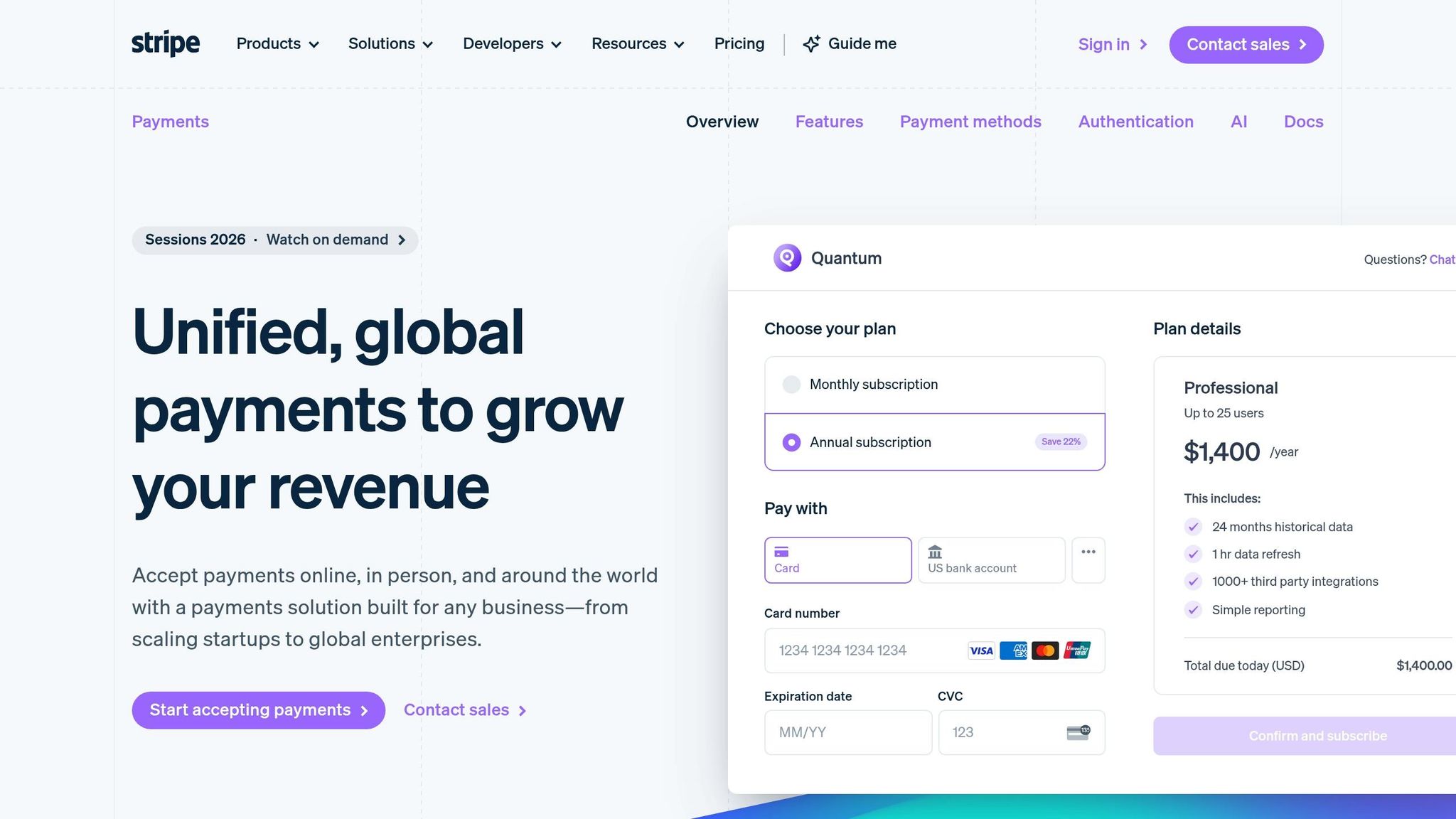
Stripe is a strong fit for businesses that sell online and want low-friction payments without a monthly contract. The starting rate looks low, but what you pay depends a lot on how you use it.
The base rate isn't always the whole story. Cross-border sales, currency conversion, and tax tools can push Stripe's effective rate to 3.2% to 4.5%. Chargeback fees are $15 per dispute, and Stripe gives that fee back if you win. If disputes happen often, Chargeback Protection is available for $0.04 per transaction. It covers both the disputed amount and the fee. Standard payouts come on a 2-day rolling schedule at no extra cost. If you need funds faster, Instant Payouts cost 1% to 1.5% of the transfer amount.
For B2B payments, ACH bank transfers can cut costs. Stripe charges 0.8%, capped at $5 per transfer. That can make a big difference on large invoices.
Stripe also keeps setup simple. Stripe Payment Links let you take payments through a shareable link with no code. On Gatsboy sites, Stripe Payments connects right into online bookings and advanced forms, so you can collect deposits or service payments without custom development.
One budget risk is account holds during sales spikes or when you process high-ticket items. That can hit at the worst time. A smart buffer is 14 days of operating expenses set aside in case funds are held or volume jumps fast.
2. PayPal
If Stripe feels like the leaner pick, PayPal is the trust-first option. That matters more than a lot of merchants expect. 74% of PayPal users are more likely to complete a purchase from an unfamiliar merchant if PayPal shows up at checkout. For a new or lesser-known brand, that trust can do a lot of heavy lifting.
The tradeoff is cost. PayPal is often the priciest mainstream checkout choice. Standard PayPal Checkout costs 3.49% + $0.49 per transaction. If you switch to Advanced Credit and Debit Card Payments, the rate drops to 2.59% + $0.49. That fixed $0.49 fee hits low-ticket orders the hardest. So yes, PayPal can help conversion, but it can squeeze margins at the same time.
Disputes add another layer. PayPal charges $20 per dispute, and that fee is non-refundable even if you win. Seller Protection can lower that to $8 for eligible transactions. On top of that, risk checks may flag unusual activity and trigger holds that last 21 days or longer. If your business depends on steady cash coming in, that kind of delay can sting.
The upside is speed. Setup takes under 15 minutes with no code, and you can get a basic PayPal button or payment link live fast.
3. Square
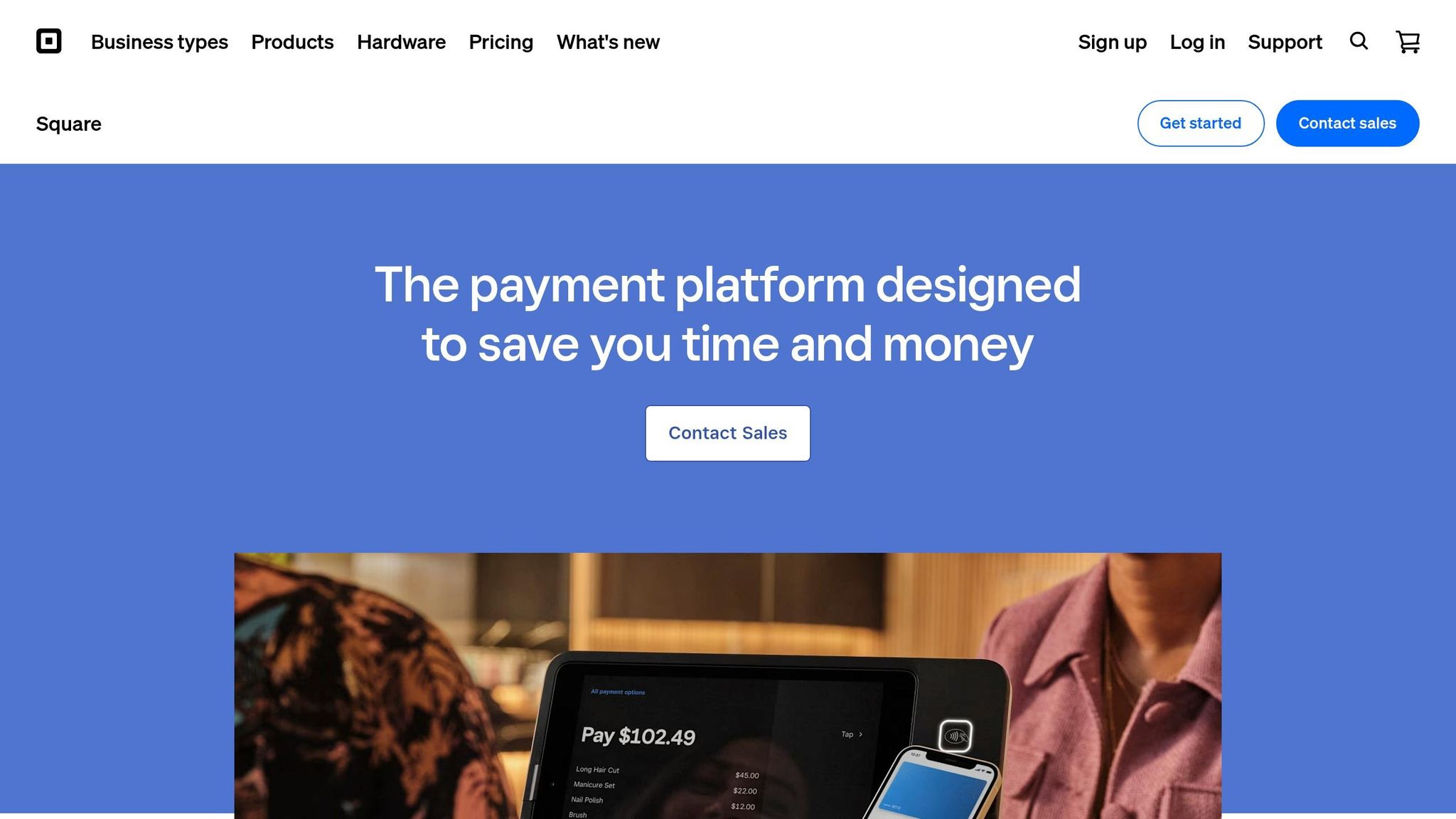
If you sell both online and in person, Square puts your sales and day-to-day work in one place. You can handle checkout, inventory, and reporting from a single dashboard.
That makes Square a strong fit for retailers, service businesses, and sellers on the go. Its no-monthly-fee plan charges 2.6% + $0.15 for in-person payments and 3.3% + $0.30 for online payments. If you move up to the $49/month Plus plan, your online rate drops to 2.9% + $0.30. Inventory tracking, reporting, and scheduling come with every plan at no extra cost.
The hardware side is pretty simple too. You get a free swipe reader when you sign up, and the Chip and Tap Reader costs $59. Square also has offline mode, so you can keep taking card payments even if your internet cuts out and sync them later.
Square does not charge a separate chargeback fee. Standard payouts usually arrive on the next business day. If you want your money faster, instant transfers usually cost 1.75%, though some accounts are charged $0.25.
One thing to watch: Square can still freeze funds after sudden spikes in sales volume, especially for newer businesses.
4. Authorize.net
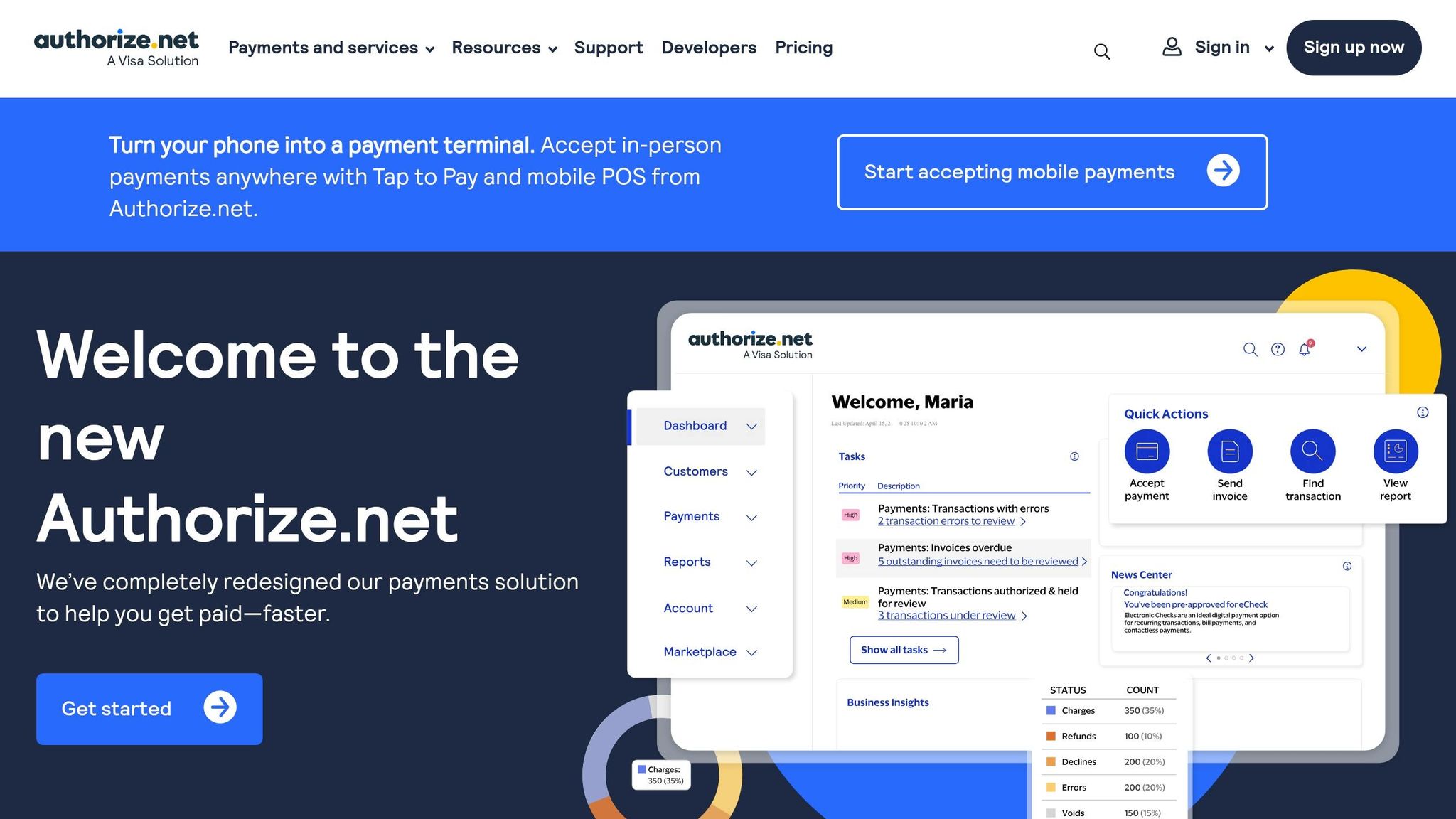
For businesses that already have a merchant account, Authorize.net is the most old-school option in this group. It’s a good fit if you want to keep your current bank setup and use the gateway as the layer between your checkout and payment processing.
Authorize.net offers two main plans:
All-in-One: $25/month plus 2.9% + $0.30 per transaction
Gateway Only: $25/month plus $0.10 per transaction and a $0.10 daily batch fee for merchants that already have their own account
There are no setup fees or early termination fees on the standard plans.
That $25 monthly charge also gives you more back-office tools than most low-cost gateways. It includes recurring billing, fraud tools, invoicing, and customer storage. If you sell B2B or deal with larger payments, ACH pricing is 0.75% per transaction. Chargebacks cost $25 per dispute on the All-in-One plan, and payouts usually take 3–5 business days, depending on your merchant service provider.
Where Authorize.net shines is compatibility. It works with QuickBooks, WooCommerce, and Adobe Commerce, and it includes 24/7 live phone support. That said, the interface feels dated, and the monthly fee can be tough to justify if you process fewer than 100 transactions per month.
Authorize.net makes the most sense for businesses with steady sales volume, an existing merchant account, and a need for invoicing or recurring billing.
Pros and Cons by Gateway
Use this snapshot to line up each gateway with how you sell, how much you process, and how much risk you can stomach.
Gateway | Biggest Advantage | Main Drawback | Best Low-Budget Use Case | When Costs May Rise |
|---|---|---|---|---|
Stripe | Strong developer tools; ACH is the cheapest option for larger invoices | Requires technical skill; account holds during volume spikes | Online-first businesses and B2B sellers | International cards and add-ons |
Square | Free POS tools; no separate chargeback fee | Best for retail and hybrid sellers; limited web customization | Retail, pop-up shops, and hybrid online/offline sellers | Paid POS upgrades |
PayPal | Strong consumer trust; can improve conversion | Highest online fixed fee ($0.49); slower support response | Freelancers, micro-businesses, and new brands | Higher volume and international sales |
Authorize.net | High uptime; advanced fraud filters | $25 monthly fee regardless of volume; older interface | Established web stores needing reliability and fraud controls | High transaction volume added to the monthly gateway fee |
The table gives you a quick way to cut the list down by sales channel, average payment size, and cash-flow risk. That part matters more than many teams expect. A rate can look low on paper, then chargebacks and FX fees push the real cost higher than the headline number.
Here’s the simple read:
Stripe fits online-heavy businesses, especially if you send larger invoices and want ACH rates that can save money.
Square makes the most sense for in-person selling, pop-up shops, and stores that want POS tools without extra setup pain.
PayPal works well when buyer trust is a big deal, which is often the case for freelancers, side hustles, and newer brands.
Authorize.net is a better fit for established ecommerce setups that care a lot about uptime and fraud controls.
For Gatsboy users, Stripe Payments can sit alongside online bookings and Google Reviews in one dashboard.
Conclusion
There’s no one payment gateway that works best for every small business. The right choice depends on how you sell, how much you process each month, and what your website needs to handle beyond payments.
Here’s the short version. Stripe works well for online-first and B2B sellers. PayPal makes sense for checkouts where buyer trust plays a big role. Square is a strong fit for businesses that sell both online and in person. Authorize.net suits established stores that already have a merchant account.
Processing fees add up fast. Businesses usually lose between 1.5% and 3.5% of gross revenue to payment processing fees. If you’re working with a small budget, your monthly sales volume often matters more than the advertised rate.
Your payment setup also needs to work with the rest of your site tools, like bookings, forms, and reviews. For Gatsboy sites, Stripe Payments connects with online bookings, advanced forms, and Google Reviews in one dashboard.
Choose the gateway that fits your business as it stands today, not the version you hope it becomes.
FAQs
Which gateway is cheapest for low sales volume?
For small businesses with low sales volume, Square is usually the most cost-effective pick. There’s no monthly fee, the flat-rate pricing is simple, and setup is easy.
That’s why many startups and new merchants see it as a solid starting point, especially if they process less than $5,000 per month.
How do payout delays affect cash flow?
Payout delays can throw off cash flow because they slow down access to money you've already earned. If deposits take several days instead of showing up the next business day, you may end up with less cash on hand for day-to-day operations.
That puts more pressure on you to manage funds carefully, keep cash flow steady, and cover regular business expenses.
When is ACH better than card payments?
ACH is often the better pick for high-value transactions. The reason is simple: even a small gap in processing fees can turn into a big dollar amount on larger payments.
Credit card fees usually fall between 2.3% and 3.5%, so ACH can cost less when the payment size goes up.
ACH can also make more sense when corporate and business clients prefer bank transfers to match their accounting workflows.
Related Blog Posts
Únete a nuestra comunidad de 15,000+ propietarios de negocios
Artículos populares
Artículos populares sobre su sitio web y la comercialización de su pequeña empresa


